Alongside quality content and appealing products, equipment is a very important part of a livestreaming room. It reflects the preparation and professionalism behind a livestream. If you are exploring professional livestreaming or livestream selling, let us look at what a livestreaming room needs.
1. Dedicated filming equipment
The camera is the main device for recording live footage. For clear images, it should offer a resolution of HD or higher to provide good broadcast quality.
High-quality camera: Typically a DSLR, mirrorless camera or a camera designed for livestreaming. These cameras provide sharp images and natural colors.
Webcam: Used for simple livestreams or when a temporary solution is needed.
2. Microphones and audio equipment
Microphone: A microphone is needed for good sound during a live broadcast. With a good microphone, viewers can hear what you want to communicate clearly, even when you are standing at a distance.
Audio mixer: For adjusting volume and other aspects of the sound.
Headphones: For checking the sound and avoiding interference during the broadcast.
3. Lighting
Softbox or LED lights: For lighting the face, increasing brightness and reducing shadows, resulting in clearer and more attractive images.
Background lights or backlights: For creating depth and improving image quality.
4. Computer and livestreaming software
High-performance computer: For supporting professional broadcast equipment, running livestreaming software and processing video smoothly.
Livestreaming software: Livestreaming software supports editing, screen recording and high-resolution output. Programs such as OBS Studio, Streamlabs OBS, vMix or XSplit are used to broadcast content and manage video and audio sources.
5. Tripods and accessories
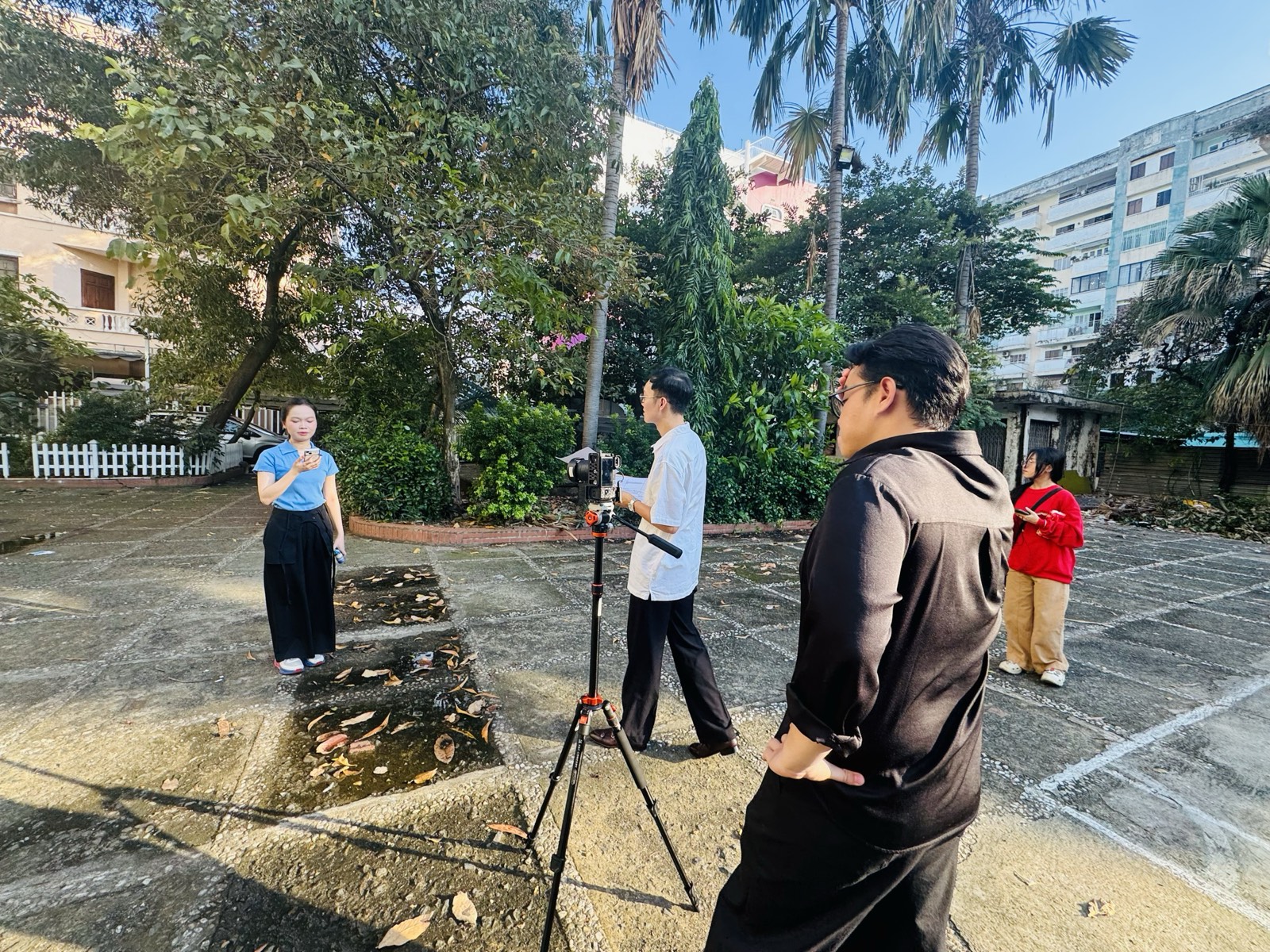
Tripod: This portable device supports and stabilizes a camera while filming. It helps reduce shaky footage and camera movement during a livestream, supporting high-quality results.
Gimbal: Helps stabilize the image when handheld filming is needed.
Backdrop: For creating a suitable livestreaming space, using a green screen or a decorative backdrop.
6. Internet connection
Stable Internet connection: A LAN cable or high-speed Wi-Fi is very important for avoiding interruptions during a broadcast.
High-quality router: When livestreaming over Wi-Fi, a powerful router is needed to maintain a stable connection speed.
7. Other accessories
Remote control: For adjusting the camera without leaving your position.
Control panel: For managing shots and transitions during a livestream.
Spare cables: As a precaution against connection or power problems.
Conclusion
With these elements in place, your livestreaming room will meet the technical needs of high-quality broadcasting and help create an engaging, professional experience for the audience.